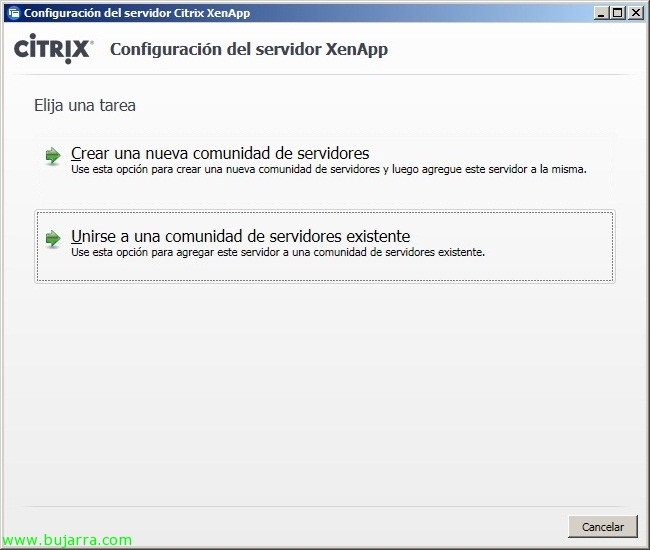
添加其他 Citrix XenApp 服务器 6 在现有社区中

如果我们想向已有的 XenApp 农场中添加一台服务器 6 为了在服务器之间分配负载或出于其他目的; 只是, 我们需要安装 XenApp 功能并加入一个现有的社区. 我们可以通过 GUI 使用 XenApp 服务器配置向导或通过命令行来完成.
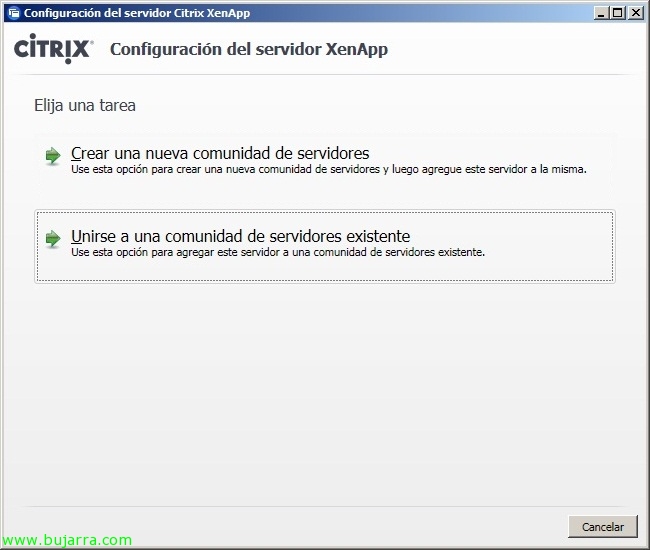
我说了什么, 首先我们需要像进行首次安装一样执行安装,直到指示我们加入一个现有的服务器社区. 如果需要的话,我们可以参考: http://www.bujarra.com/?p=4017.

或者从命令行, 我们进入 DVD 的 ‘XenApp Server Configuration Tool’ 文件夹’ 我们执行:
‘XenAppConfigConsole.exe /ExecutionMode:Join /FarmName:社区名称 /LicenseServerName:许可证服务器名称 /LicenseServerPort:许可证服务器端口 /ZoneName:区域名称 /AddUsersGroupToRemoteDesktopUserGroup:True /CustomXMLserviceport:81 /认证类型:sql /DsnFile:c:sql.dsn /OdbcUsername:用户 /odbcPassword:密码 /log:日志文件’.
重启即可!
我们必须考虑到需要将服务器添加到组织中的所有内容. 如果我们必须将其添加到所有应用程序中, 建议不要将服务器名称分配给应用程序, 而是分配到‘工作组’, 这样只需将新的 XenApp 服务器添加到工作组即可. 此外,如果我们有 Web Interface, 我们需要修改站点配置并进行添加. Idem si tenemos un servidor Secure Gateway, 访问网关, VPX… o instalarle algún agente si tenemos Single Sign-On, 电源与容量管理… o cualquier otro componente. Y posteriormente instalar todas las aplicaciones que tengamos necesarias.
Por ello a veces es mucho mejor clonar los servidores XenApp ya que minimizamos las configuraciones a tener en cuenta y todos los servidores XenApp disponen de las funciones mínimas necesarias, por lo tanto todos nuestros servidores XenApp serían todos iguales, y todo lo que se vaya realizando, se debería realizar de igual forma en el resto de servidores.