Encrypting a Terminal Server or RDP Connection over SSL with Certificates

The service pack 1 MS Windows 2003 Brings a new security feature: “Securing Terminal Connections Using Certificates”, for this, Various configurations must be made on both the server and the client.

Lo primero es generar un certificado, si no tenemos una CA disponible siempre nos lo podemos generar con “SelfSSL” del resource kit de IIS 6.0

Una vez que tenemos el certificado, We're going to: "Home" > “Programas” > “Herramientas administrativas” > “Configuración de Servicios de TS”, en “Conexiones”, botón derecho a la conexión “RDP-Tcp” y “Propiedades”.

Abajo en la zona de Certificado, pulsamos sobre el botón “Editar…”

Seleccionamos el certificado que tengamos.

En “Capa de seguridad” ponemos SSL, y en “Nivel de cifrado” ponemos ALTA. Accept.

La parte del servidor ya estaría, ahora todo es en el cliente. Para empezar comprobamos si nuestro cliente RDP es obsoleto, if we are missing the 'Security' tab, it is.

We install a new one, we download it from the Internet or from the Windows RDP server 2003 with SP1, the client in the latter would be in:
ServidorRDPc$windowssystem32clients sclientwin32msrdpcli.msi

"Next"

We accept the license and 'Next'

"Next"

"Next"

'Install'

…

"Finish"

Now we open the RDP client 5.2 and the 'Security' tab will appear, we select 'Require authentication', in the 'General' tab we enter the server we are going to connect to and click 'Connect'

This warning will appear, if we haven't installed the certificate on the client it won't let us connect, we click on 'View certificate'

'Install certificate...'
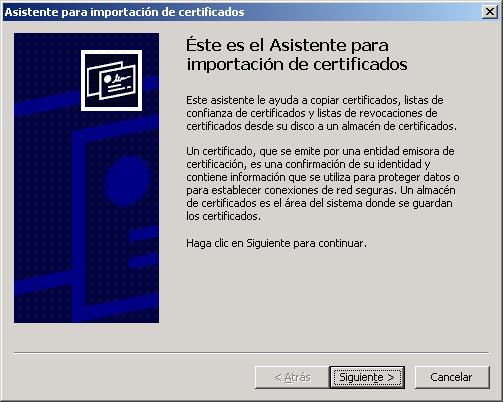
"Next"

"Next"

"Finish"

"Yes"

"Accept"

And then we would connect securely, se nota pq saldría un ‘icono’ nuevo en la barra de arriba con la figura de un candado.