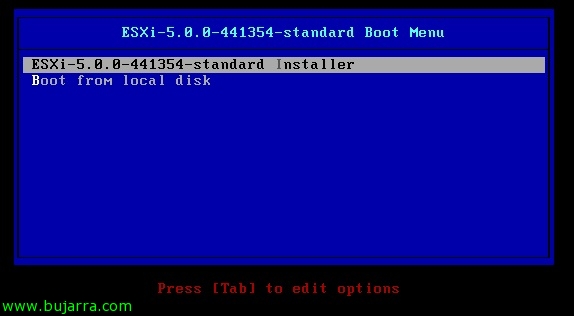
Installing VMware ESXi 5

With the intention of making a series of articles that show us all the elements of the new version of vSphere 5 We will see different articles (more or less simple as this one is); where we will see the installation of the new VMware ESXi hypervisor 5, In this case we will carry out an interactive and manual installation, since we could deploy it massively over the network. Before doing so, we must prepare the installation medium CD/DVD or via a USB device.

VMware ESXi Network Installation 5 using PXELINUX and configuration files

En este documento veremos cómo desplegar o realizar instalaciones de red de VMware ESXi 5 usando PXELINUX y archivos de configuración mediante PXE, utilizaremos un servidor DHCP que será el encargado del direccionamiento, un servidor TFTP para transmitir las imágenes mediante PXE, ficheros de configuración de los hosts (optional) en el arranque de los hosts, con esto conseguiremos de una forma automatizada disponer de tantos hosts ESXi como necesitemos de forma instantánea,

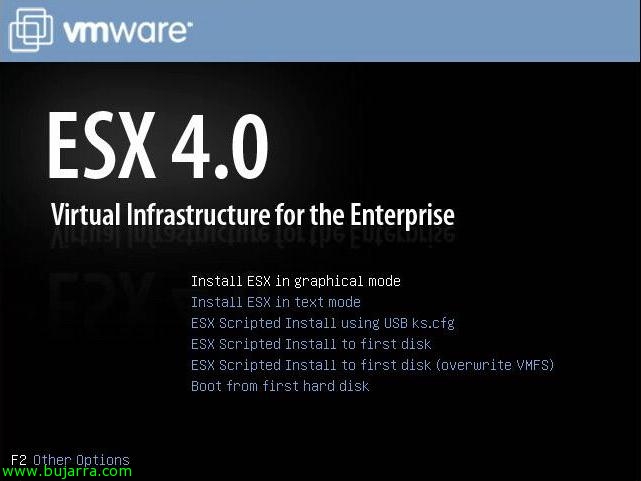
Installing VMware ESX 4.0

Simple document on how to perform a basic installation of a VMware ESX host or server 4.0, It will be a simple installation with no setup during installation more than the basic one. We should keep in mind that before installing VMware ESX on any physical server, we must always enable the virtualization technology of our processor, either Intel VT or AMD-V at the server BIOS level.