
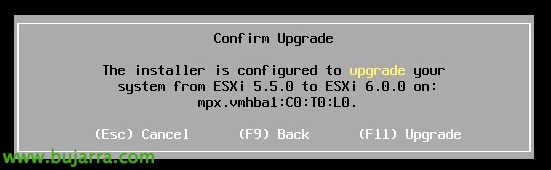
Upgrade de host VMware vSphere ESXi 5.5 a 6.0

In this document, we'll look at an easy way to upgrade a VMware ESXi host to the new version 6, We will upgrade the host in-place, First with the local media (DVD/USB) and graphic installation, then using CLI remotely with the depot file and we will finalize the document seeing how to revert the update if necessary!
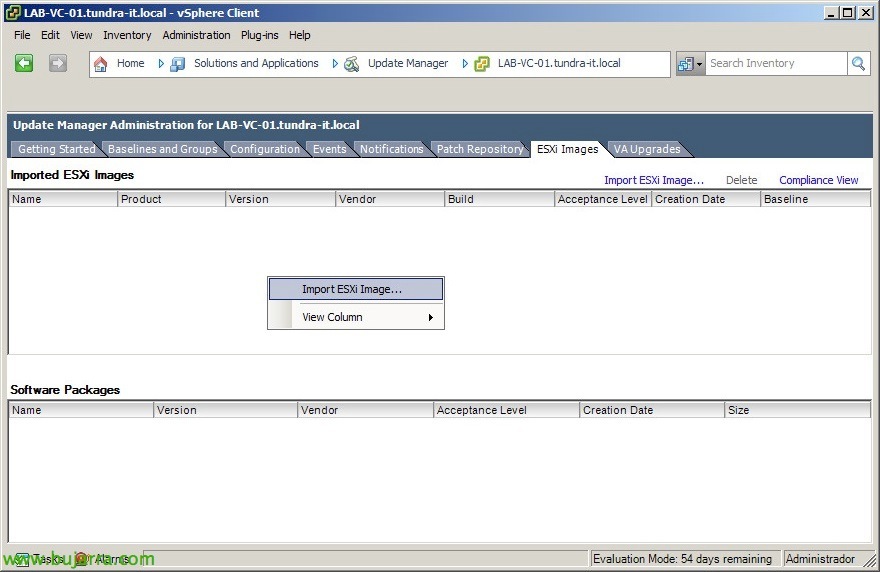
Upgrade ESXi hosts to 5.5 with Update Manager

Continuing to upgrade your environment to vSphere 5.5 with Update Manager, after upgrading vCenter Server and other components, the next step will be the upgrade of the ESXi hosts to the version 5.5. As we saw in a previous document, we can also perform the update manually. We will be able to directly migrate the ESX 4.x to ESXi 5.5 or upgrade the ESXi 4.x or 5.x directly.

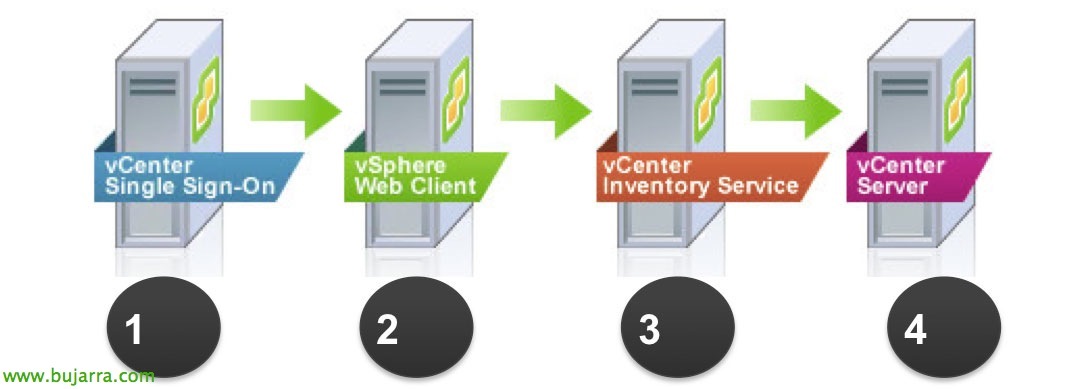
Upgrade a vCenter 5.5 and vSphere Update Manager 5.5

Well, Another way to upgrade to the vSphere version 5.5 will be to upgrade our vCenter Server (Windows-based), later we will update Update Manager and with it the hosts in an orderly way (to put an end to VMTools in virtual machines and raise vHD if interested). This is usually found in somewhat more complex environments, where neither vCSA nor update management is used.
