VMware Mirage – Deploying application layers

In this document we will see another of the functionalities of VMware Mirage, such as the deployment of application layers to centralized machines, we will be able to deploy both individual applications and jointly in the same layer! or combine several layers on one machine, the ideal is always to create layers by departments or types of users.

En esta imagen podremos apreciar cómo Mirage gestiona las distintas capas que componen un equipo centralizado, una capa SO, una capa de drivers, capas de aplicaciones y las propias capas de los usuarios. Podremos añadir tantas capas de aplicaciones como necesitemos en los endpoint.
Creación de la capa de aplicaciones,

Para poder desplegar las aplicaciones a los usuarios primero deberemos capturarlas desde un equipo con Mirage instalado, desde los asistentes seleccionaremos “Capture App Layer”,
Os recomendaría disponer el software ya descargado en el equipo donde se instalará o en algún share, ya que cuantos menos cambios hagamos en el equipo menos ocupará la capa de aplicaciones y menos ‘trastornará’ al equipo del usuario. And to create this type of layer, it is completely appropriate to use a VM that we will use to maintain this application layer.
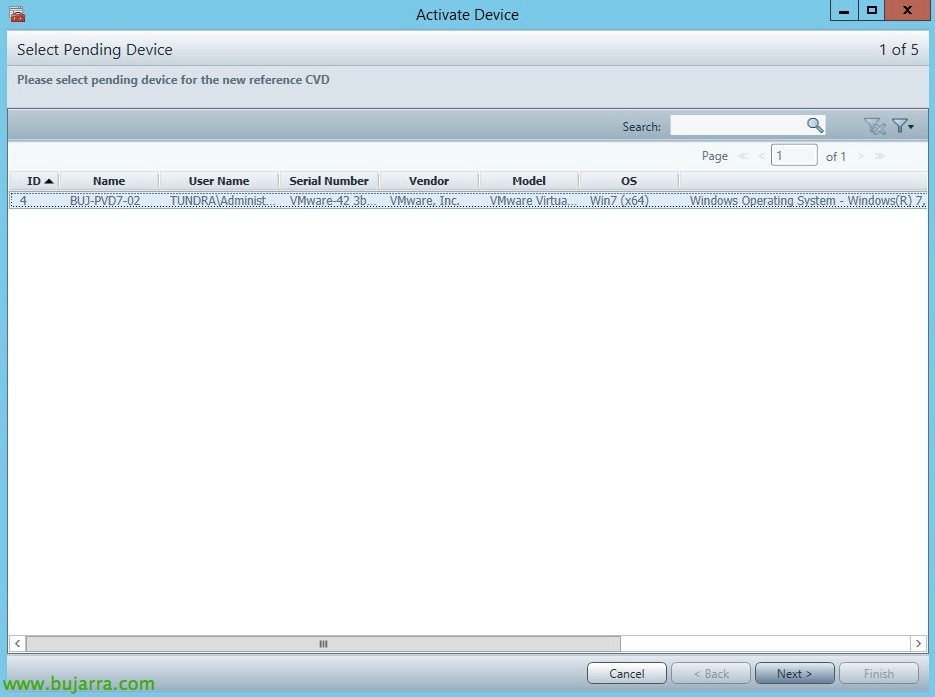
We select a device pending registration & “Next”,
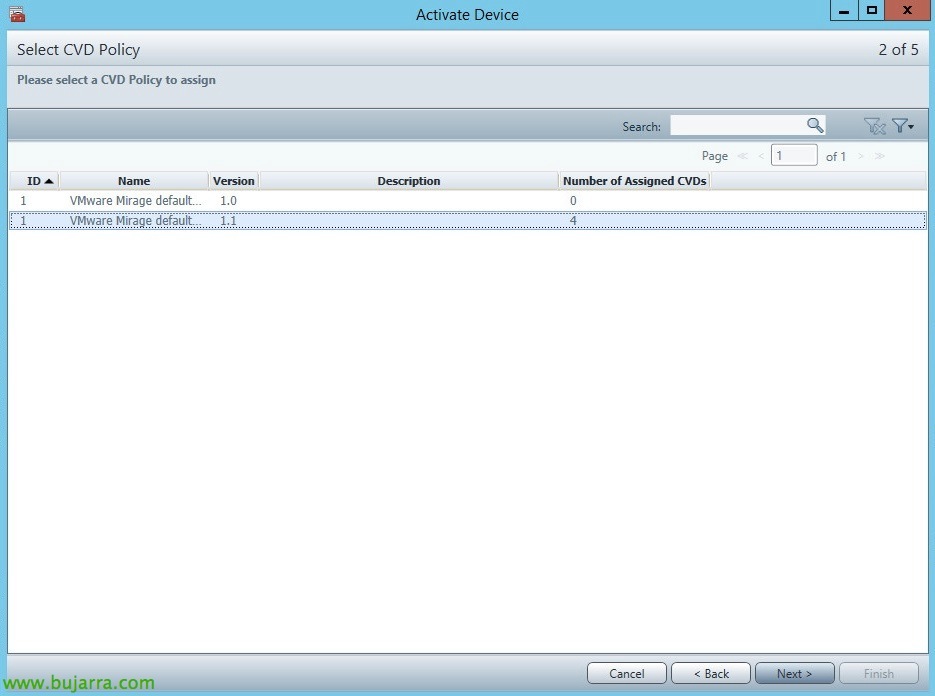
We select the corresponding Mirage policy, “Next”,
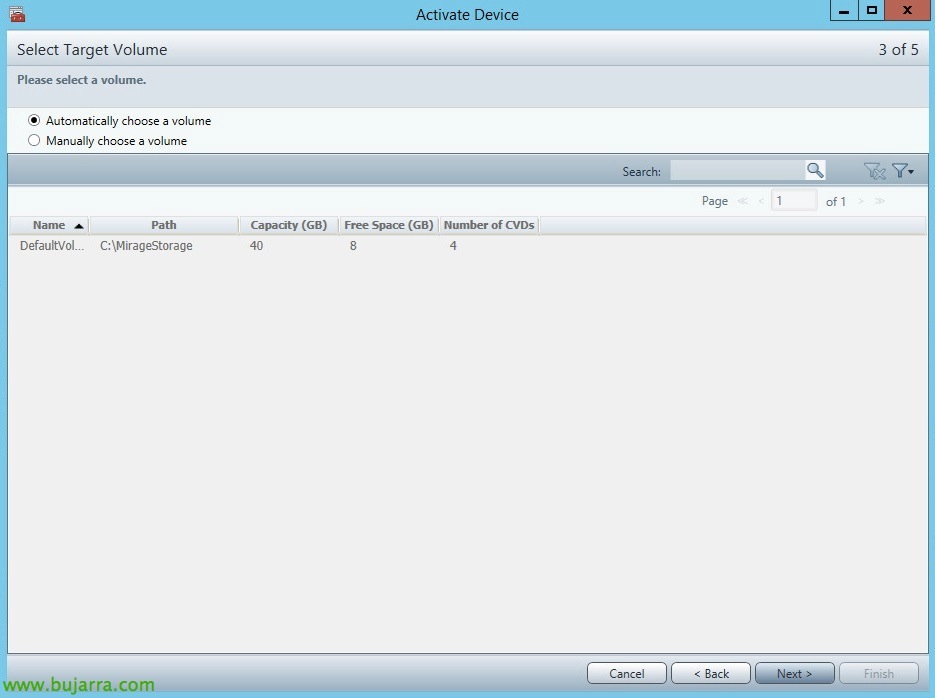
We select the Volume where we will store the application layer that we are going to create,

“Next”,

Click on “Finish” to be able to start…
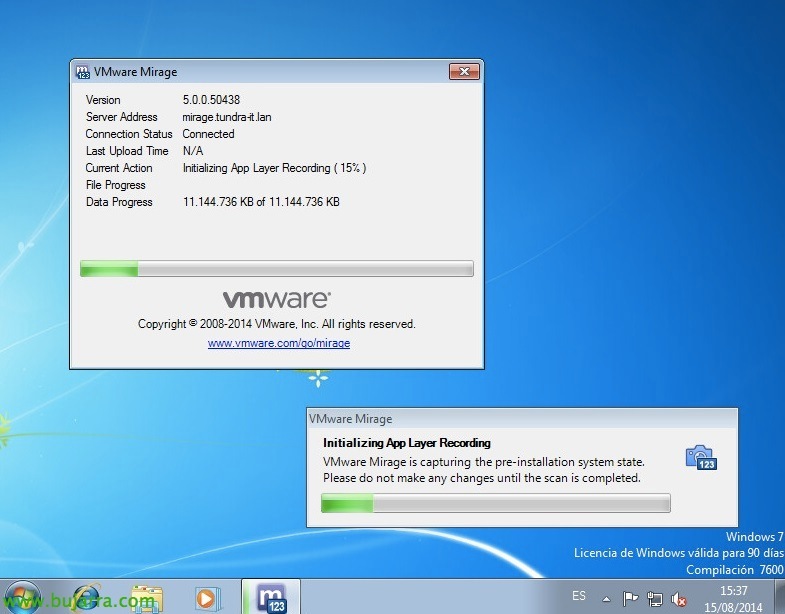
Well! On the computer, the application capture will begin, It will perform an initial scan to analyze the computer…

At some point during the analysis, it will indicate that we can already install the applications we need, We can safely restart the computer if necessary, We must make all the appropriate changes to the apps as well as keep them updated… Unify app layers by department, for example…
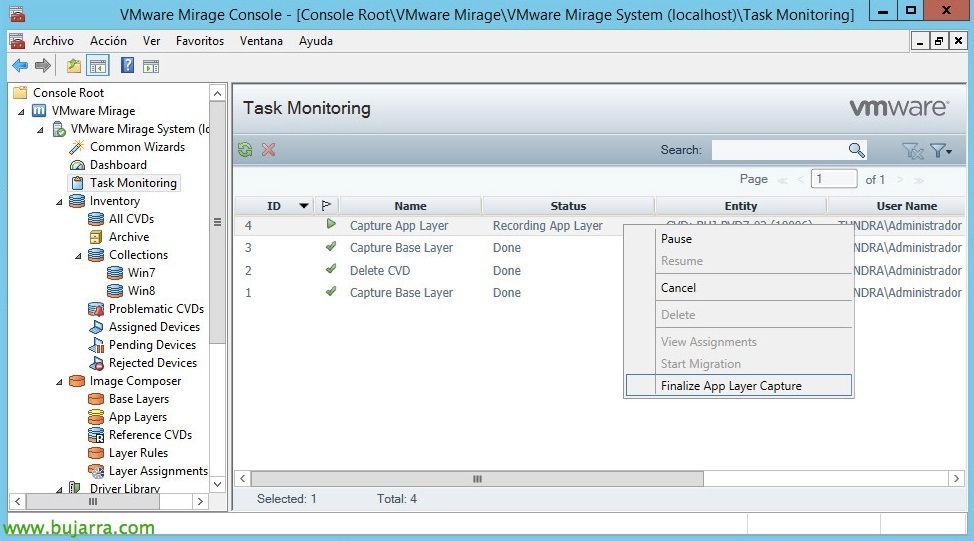
Una vez que hayamos finalizado de instalar las apps, volveremos a la consola de Mirage y desde “Task Monitoring” podremos parar la captura de la capa sobre la tarea > “Finalize App Layer Capture”.
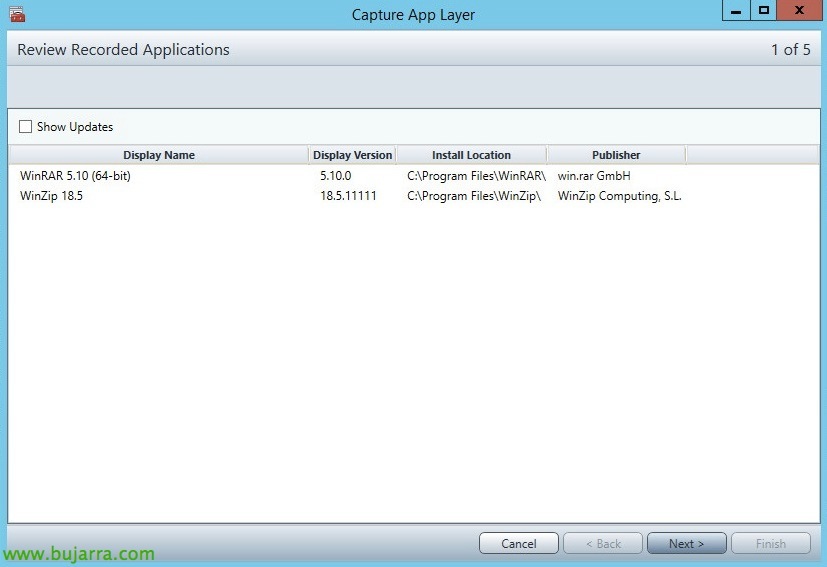
Nos detectará las aplicaciones que hemos instalado, “Next”,
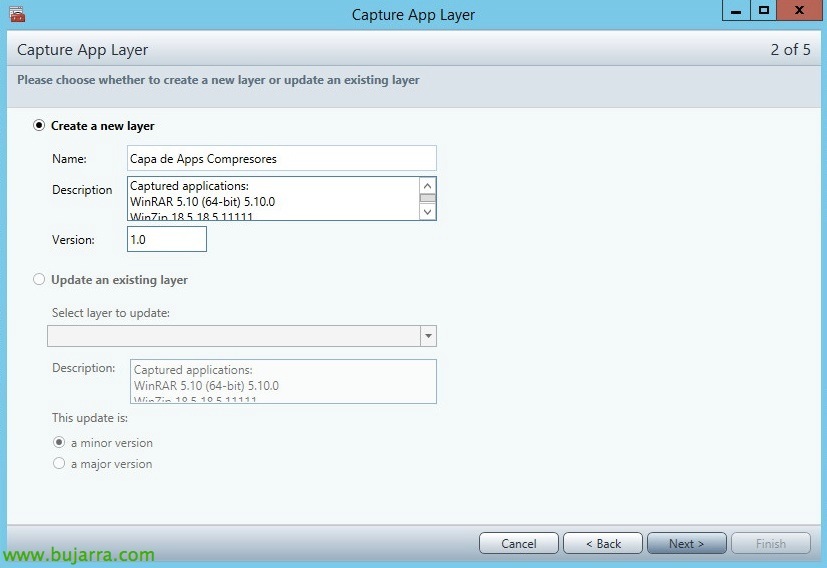
Crearemos una capa de aplicaciones nueva desde “Create a new layer” e indicamos una descripción,
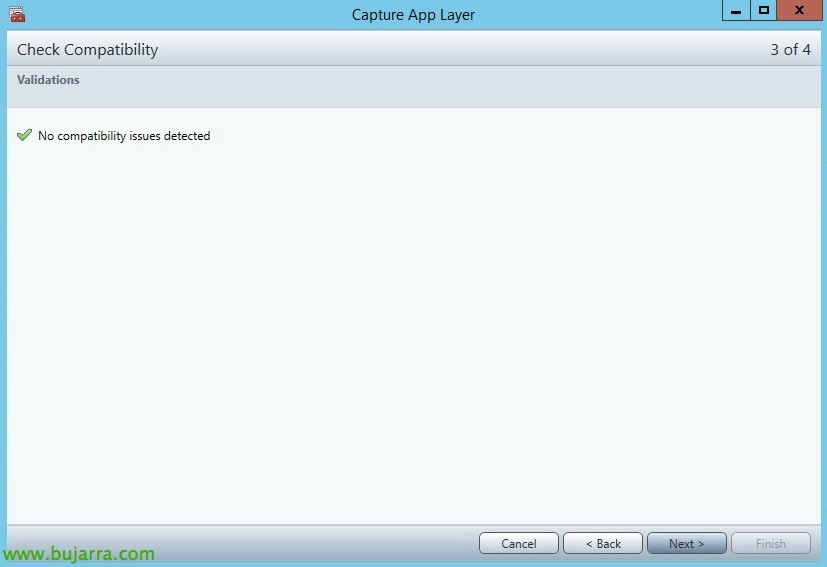
“Next”,
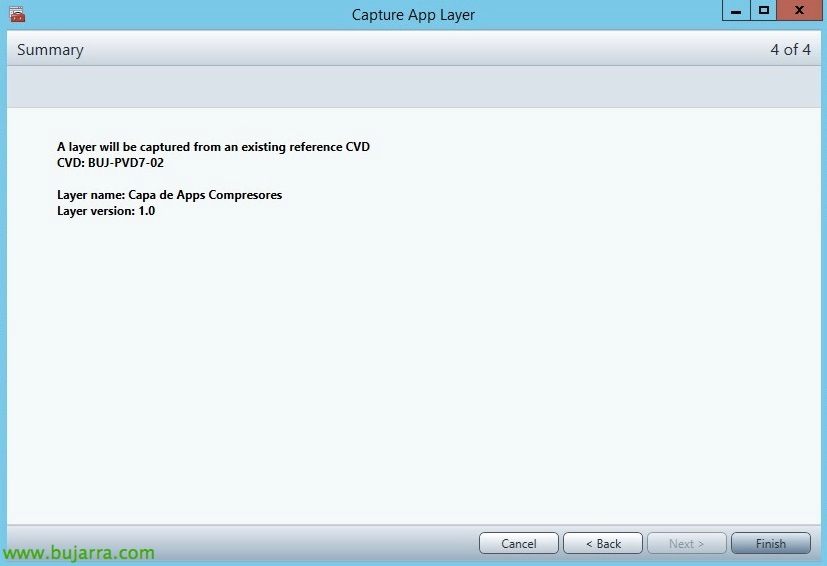
And we click on “Finish” para que continue y suba los cambios generando la capa de apps!
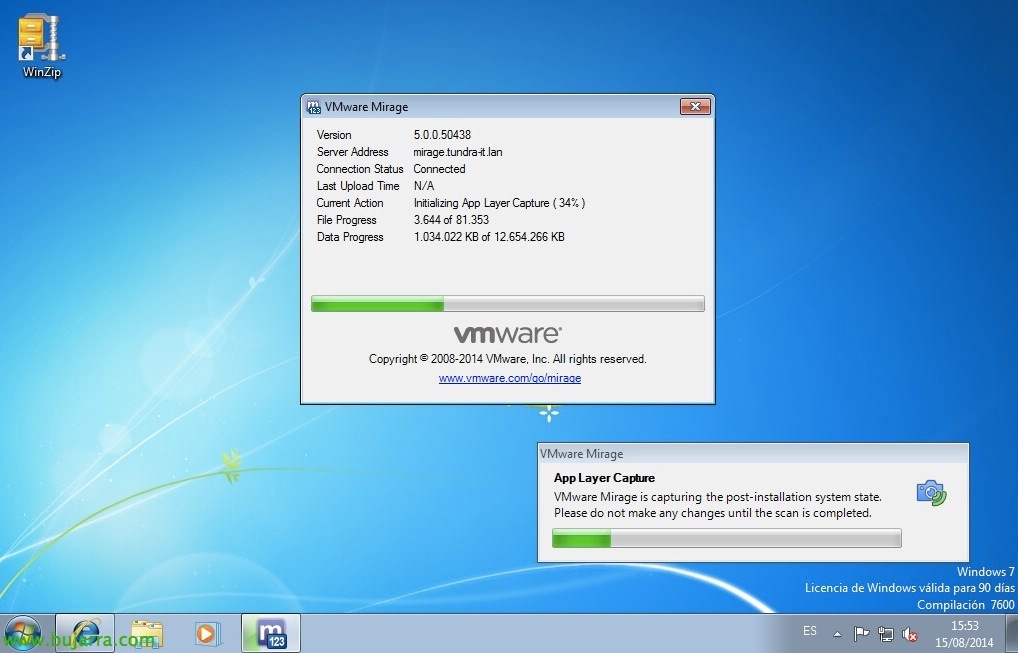
Esperaremos mientras finaliza…
Despliegue de la capa de aplicaciones,
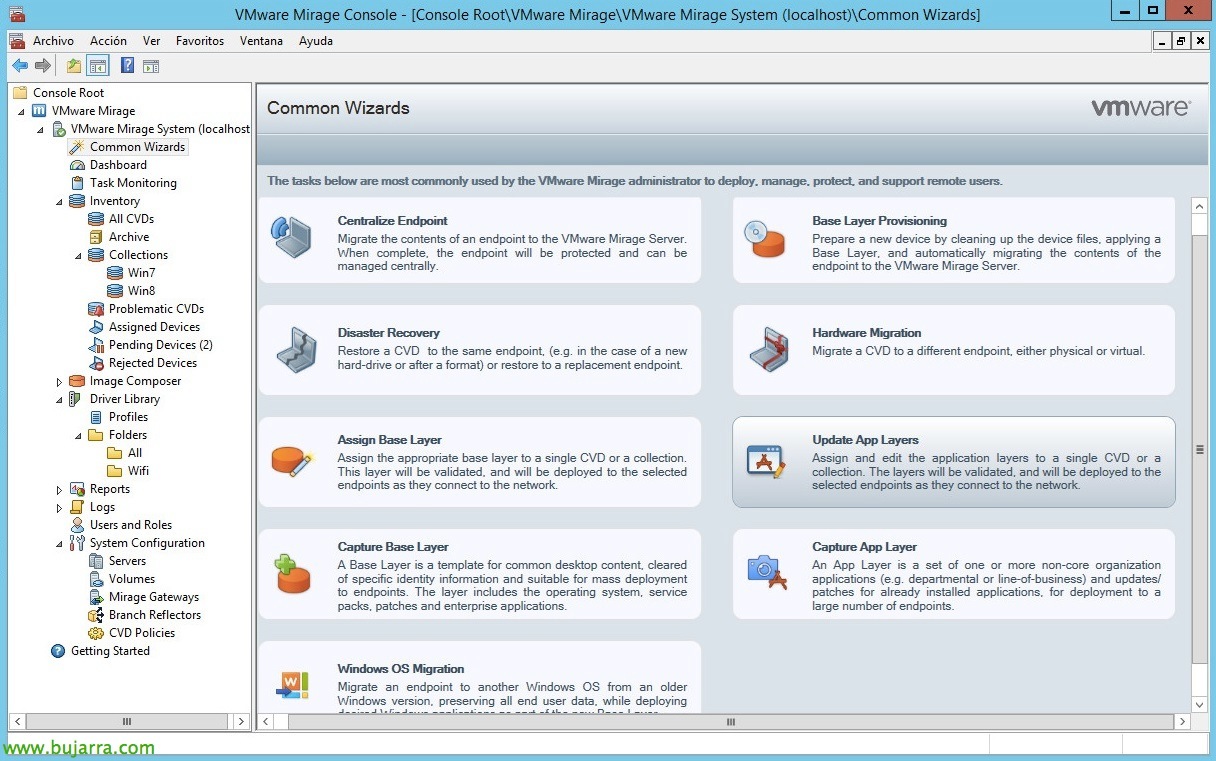
Una vez queramos aplicar una capa de aplicaciones a una serie de equipos centralizados, lo haremos desde los asistentes, “Update App Layers”,
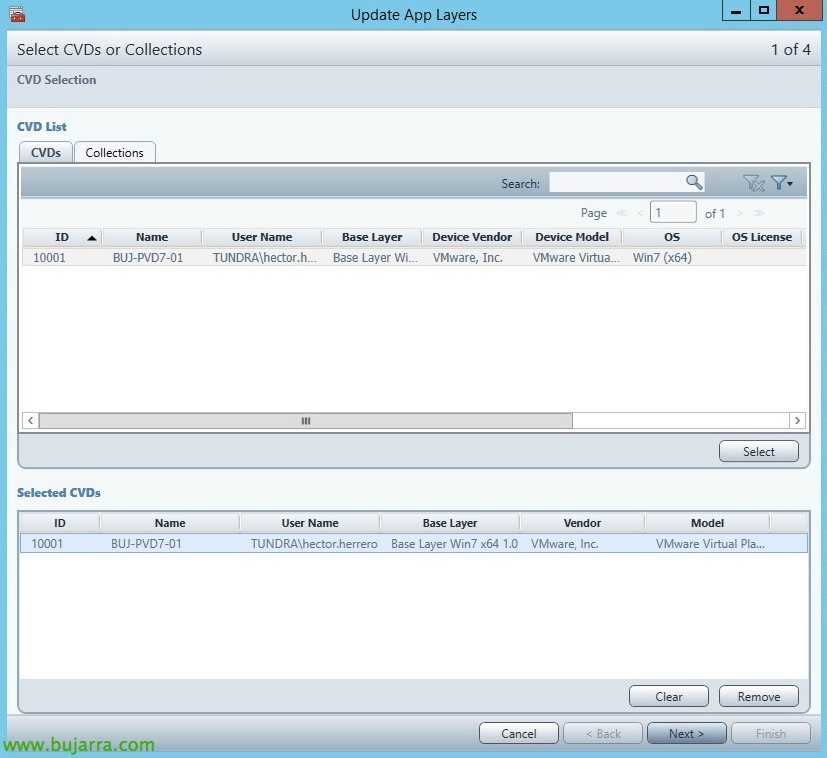
We will select the CVDs individually to which we will apply the app layer or we will choose collections of devices for a mass deployment,
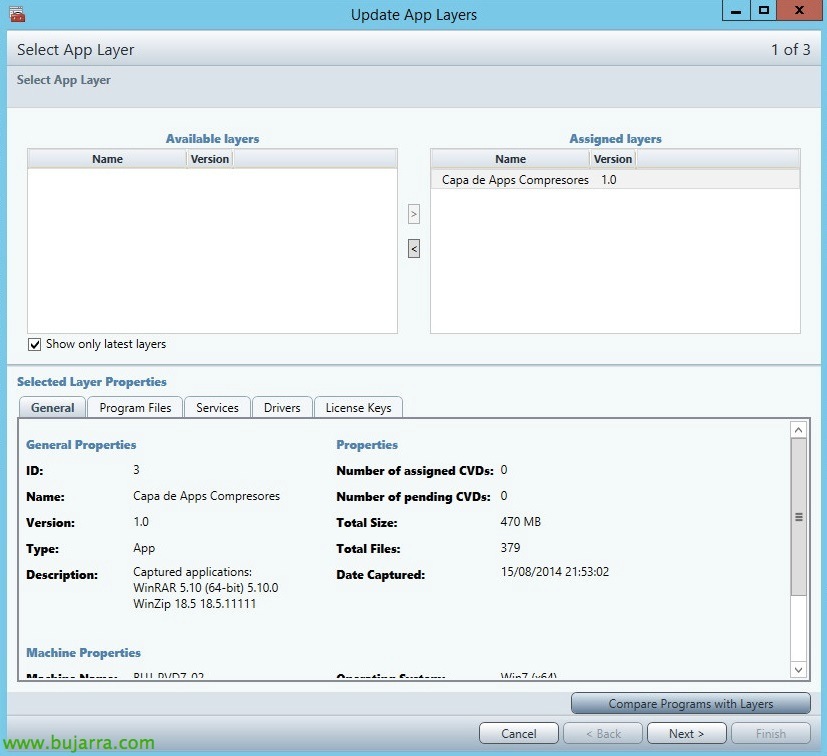
We will need to add the application layers that interest us, we can click on “Compare Programs with Layers” to see if there is any conflict… “Next”,

We would see a summary of the differences that are going to be applied.

Well, We, “Next”,

And “Finish”! with this we will have already deployed an application layer to a series of devices, an elegant way to deploy centralized software in our company, in the same way the updates of these same application layers!!!