Updating VMware Tools and Virtual Hardware on VMs with vSphere Update Manager 6.5
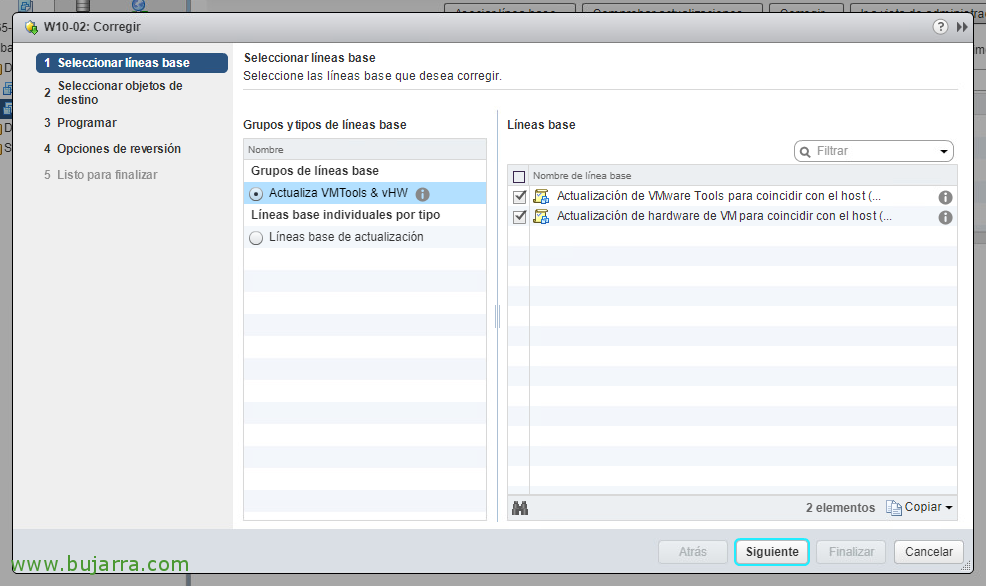
We will be able to continue with another automatic update process, and it is only once we have all the hosts updated to the version 6.5, We will need to update (in this order) VMware Tools and Virtual Machine Hardware. The latter perhaps more optional. We will do all this through Update Manager which, as we know, is embedded in the vCenter Server Appliance 6.5