Additional Configurations on a Presentation Server or XenApp

This procedure explains a variety of topics, I put them all in the same document, but they would be the following topics: ICA Protocol Configurations – AKI Connect to a User Session – AKI Create additional Citrix administrators – AKI Server/Application Performance Improvement and Connectivity – AKI Isolation Environments for Applications (IEA – Aplication Isolation Enviroments) – AKI Print Themes: Printers and drivers – AKI Zones – AKI Ensure connectivity by enabling Citrix SSL handover and raising the level of encryption – HERE

Using Citrix User Profile Manager – Citrix UPM

Citrix User Profile Manager is a new Citrix product that we hope will help us take some of the headaches away. It is well known that in Citrix environments one of the biggest problems is the management of mobile profiles, With this new app we hope to make everything a little easier. So let's not wait any longer and download the application, which is free from the Citrix website in MyCitrix: HERE. It is a utility that integrates with Active Directory, since what it generates in itself is a template that we must import into a policy to later configure it and apply it to users.

Using Citrix Stress Printers

In this document we will see how to use Citrix Stress Printers to test a Citrix environment with multiple printers. We will use a Citrix tool called Stress Printers, with this utility we will be able to simulate the load that a server experiences when creating printers on user logon. We will be able to configure how many printers we want it to create for us (simulating a user logon), the time we want it to wait before deleting them (simulating a user logoff) and how many times we want it to repeat this process. This is a process that should be carried out on Citrix Presentation Server or Citrix XenApp.

How to clone a Citrix Presentation Server or XenApp server

This procedure explains in detail how to clone a Citrix Presentation Server 4.0 or Citrix Presentation Server 4.5. The idea is if we already have a server in the farm installed and with the applications installed, to avoid this, having to reinstall them all and Citrix PS back on it. It will depend on whether the DB is Access or SQL, but to do so we would modify the script that we will discuss below, It works for both databases. Let's start with the explanation.

Configuring Sites in Citrix XenApp 4.5

In this part we will create two sites: one will be the website so that users can connect to the applications without the need for a client and the other will be the Site of the Program Neighborhood Agent that will serve to minimize the incidents of users to us, the administrators., since everything will be automatic, they will simply see an icon in the toolbar and from there they can access the applications or if not,, is configured to be from the Start Menu or from icons on the desktop. IIS Installed Requirement.

Publish apps to Citrix XenApp

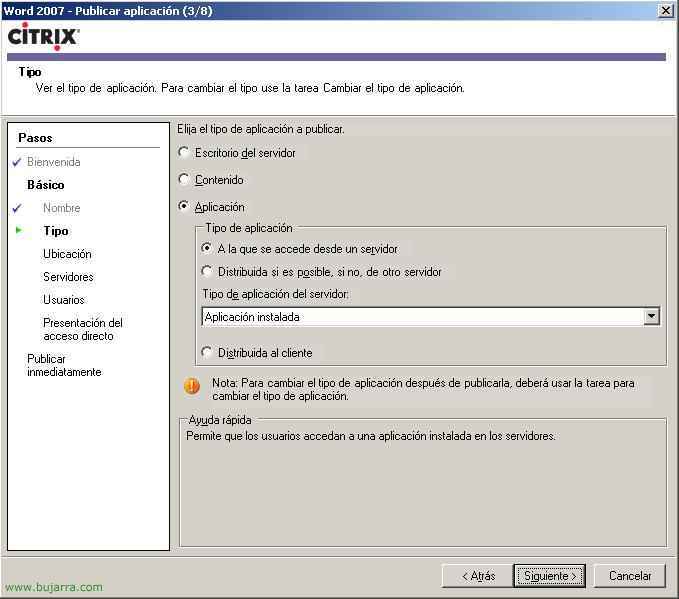
Once all of the above is configured, we are now going to publish the applications that we want clients to connect to, logically we must first install them on the Presentation Server, In my example, we'll make it easier for customers to access Microsoft Office applications 2007, First then, I will install the Office 2007 so I don't order the CD and I'll update it, Now we're going to publish the apps that I'm interested in users accessing.

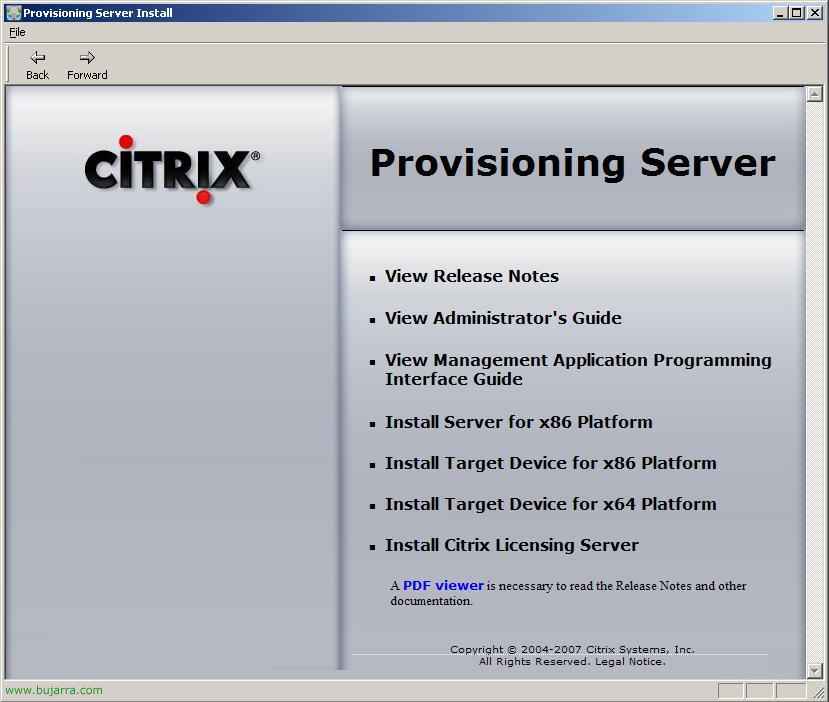
Installing the first Citrix XenApp server 4.5

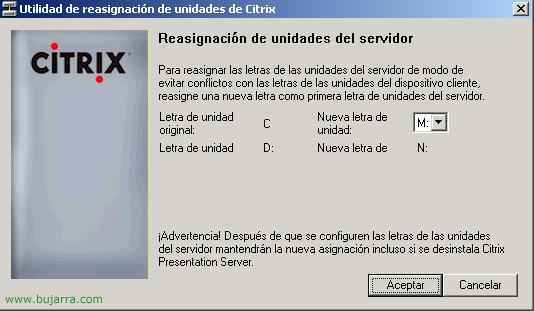
The first thing is to know what we are going to install on a server, whether it will be a single server, where the Citrix database will be stored (you need SQL 2005), whether a web interface will be installed for clients to connect from the LAN (or more important, From the Internet), if we want to have the licenses on this server or on any other server, If we want to rename the disk drives, and of course if we want administration consoles on these servers or directly on any PC/server on the network

Citrix Application Streaming on XenApp

This is the main feature of the version 4.5 from Citrix, Application Streaming, This document explains how to use it. Application Streaming is nothing more than being able to use a Citrix application as if it were installed on our computer but without being, not just execute it (That's publishing an app as normal) otherwise, it would be distributed on the PCs and they could use it without connectivity to the Citrix server. The following steps need to be taken: