Installing VMware ESXi 5

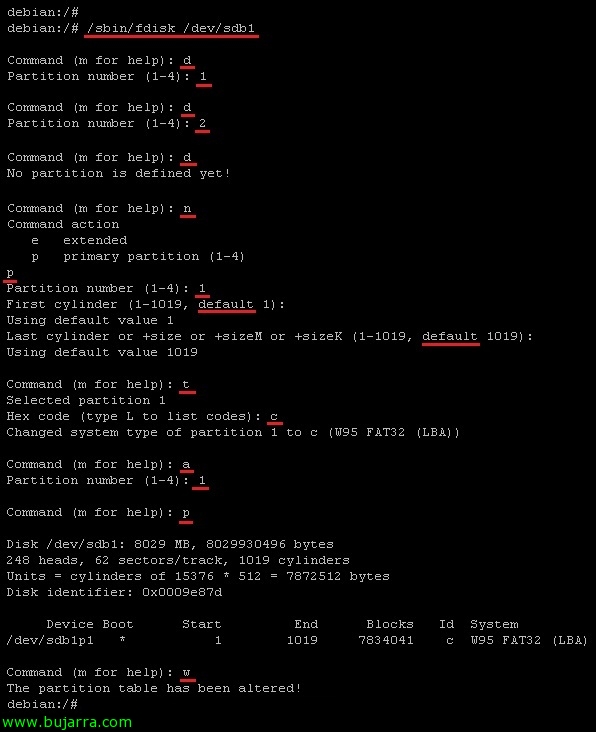
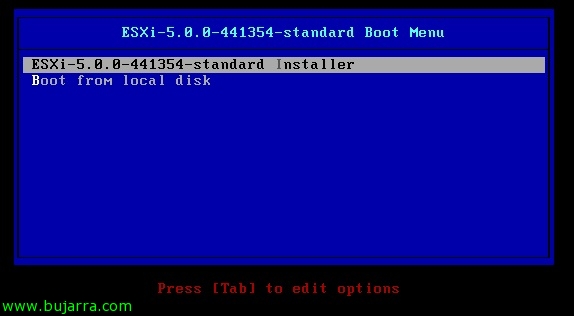
With the intention of making a series of articles that show us all the elements of the new version of vSphere 5 We will see different articles (more or less simple as this one is); where we will see the installation of the new VMware ESXi hypervisor 5, In this case we will carry out an interactive and manual installation, since we could deploy it massively over the network. Before doing so, we must prepare the installation medium CD/DVD or via a USB device.

What's New in vSphere 5 and licensing

This document is presented as a summary of the main new features of VMware vSphere 5 we will also try to explain the new and definitive licensing (now you also pay for RAM!). Until a few days ago, the licensing of vSphere 5 even affected the free version by limiting it to 8Gb of RAM, until a few days ago they rectified it by limiting it to 32Gb (as well as the rest of the products), since they even stop the entry of new customers O_o In addition, VMware is committed to giving us 7 years of support with the version 4.1, See…

VMware ESXi Network Installation 5 using PXELINUX and configuration files

En este documento veremos cómo desplegar o realizar instalaciones de red de VMware ESXi 5 usando PXELINUX y archivos de configuración mediante PXE, utilizaremos un servidor DHCP que será el encargado del direccionamiento, un servidor TFTP para transmitir las imágenes mediante PXE, ficheros de configuración de los hosts (optional) en el arranque de los hosts, con esto conseguiremos de una forma automatizada disponer de tantos hosts ESXi como necesitemos de forma instantánea,

Recovering a Deleted VMFS Partition

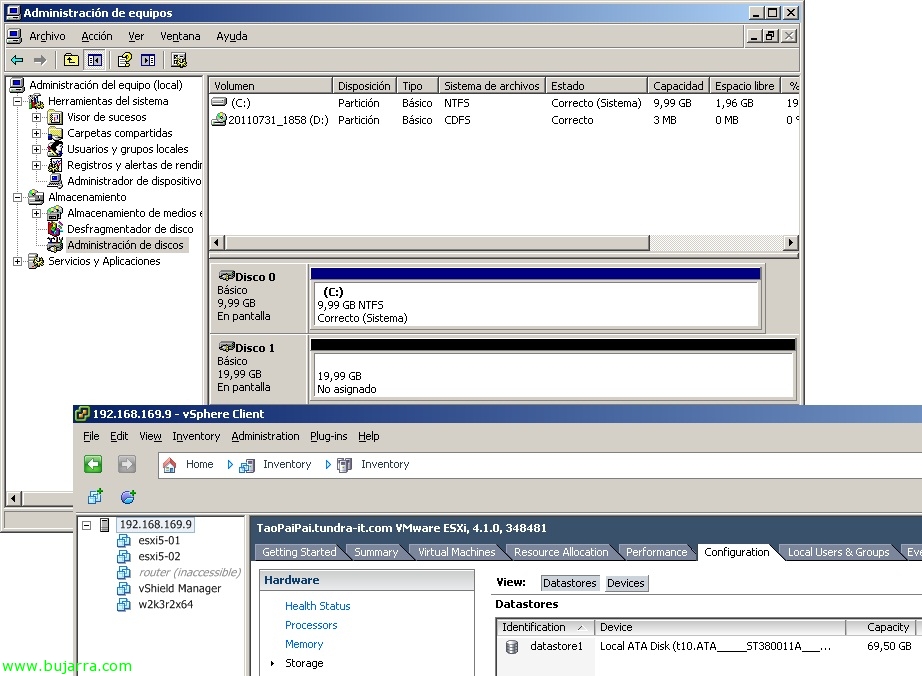
In this document we will see how to recover the contents of a deleted VMFS partition, In this document we will simulate that an 'administrator’ has deleted a VMFS volume from the disk manager in Windows because it had the LUN presented to the vCenter server where they perform backups using VCB, I had it presented in writing mode and not only with reading, so it can be a good example 🙂

Uninstalling apps remotely and in bulk

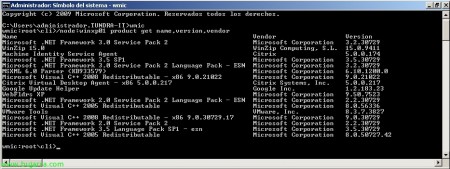
Many times we find ourselves with the need to uninstall certain software that we have installed on our workstations, via WMI (Windows Management Instrumentation) We can uninstall the software we need on the computers we need, a platform that is not widely used by 'us'’ Administrators. Thanks to the command line parameters we can use variables and/or files with lists of equipment to automate these tasks,

Virtualizing Android on VMware

A veces tenemos la necesidad de testear ciertas apps bajo sistemas operativos diseñados exclusivamente para dispositivos móviles, in this document we will see how we can run Android (the S.O. 'Now’ from Google) under a VMware virtual machine. This document is valid for both virtualizing Android under VMware ESXi and VMware WorkStation,

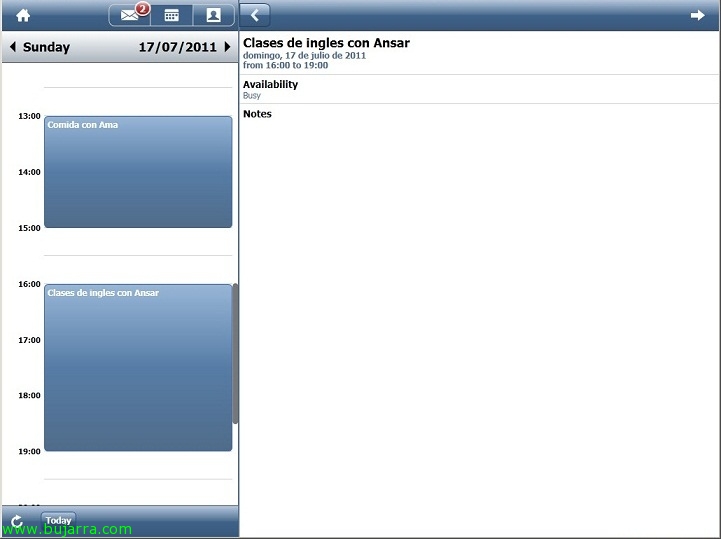
Citrix GoldenGate Project

Today we see the first Citrix application designed exclusively for mobile devices, In the GoldenGate Project, they have developed an email client with the look of an app that will run securely and centrally on our XenApp servers and be displayed on Android, iPhone, iPad, tablets or any mobile device. This email client connects to the autodiscover service of our Exchange organization, authenticates the user and shows their email, their contacts and calendar. All of this with the idea of bringing Citrix closer to users 🙂