Installing and integrating NagVis at Centreon

Let's start getting more out of monitoring, Something fun and enjoyable to watch, at least something different and it doesn't have to be as technical as it has been until now. We are going to integrate into our Nagios and/or Centreon a layer of visualization of interactive maps or drawings, it is nothing more than taking the monitored items to fully customized live drawings, are drawings of logical schemes, of photos of the DPC, SMTP traffic… of what our imagination gives us!

Monitoring an HP MSA Array

We continue with more things that we can monitor with Nagios or Centreon! If we have an HP MSA storage array in our organization, either fiber or iSCSI, This is your document! In a simple way, we can absorb the information that we are interested in controlling through SNMP, Be the state of the hard drives, The controllers, Volumes, RAID, Temperatures, Chassis Condition, Alerts, etc, etc…

Nagios – Monitoring our ESXi hosts

In this document, we'll look at all the steps needed to be able to monitor an ESXi host, we will see the most common parameters and the values that we can obtain to have a controlled environment thanks to Nagios and Centreon! All the information we can obtain is amazing! In other documents we will see other information that we can obtain from vCenter and its VMs, Today the hosts are playing!

Nagios – Monitorizando Windows

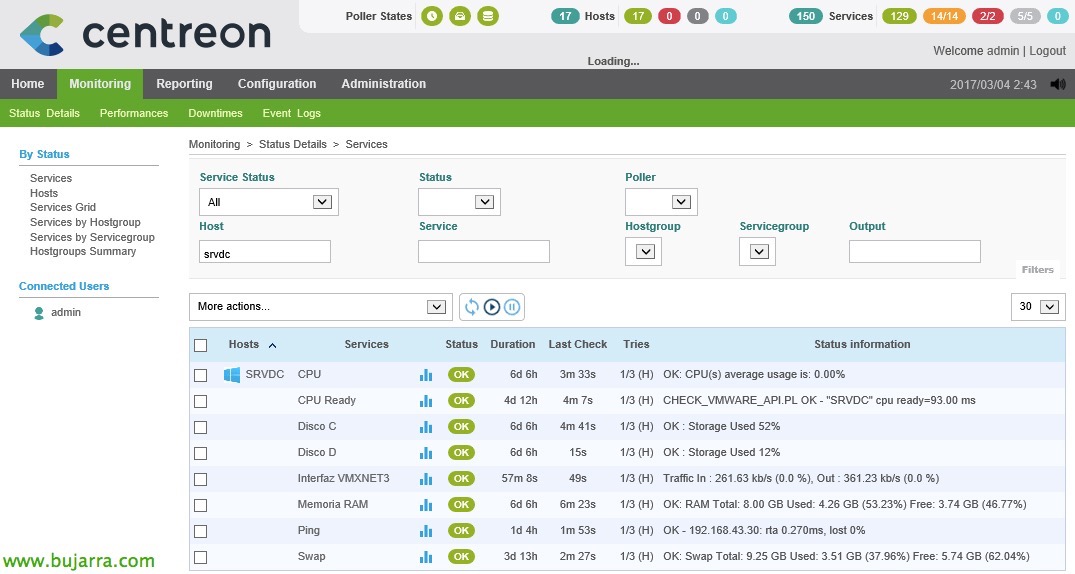
In this document we will start with something easy, we are going to monitor our first Windows computer, whether it is a Desktop or a Server. We will monitor the basics through SNMP, be CPU usage, RAM, Disk, Net, Swap Memory and Ping. With this we will have a first base to then add more elements that we need to monitor!!!