Installing FOG

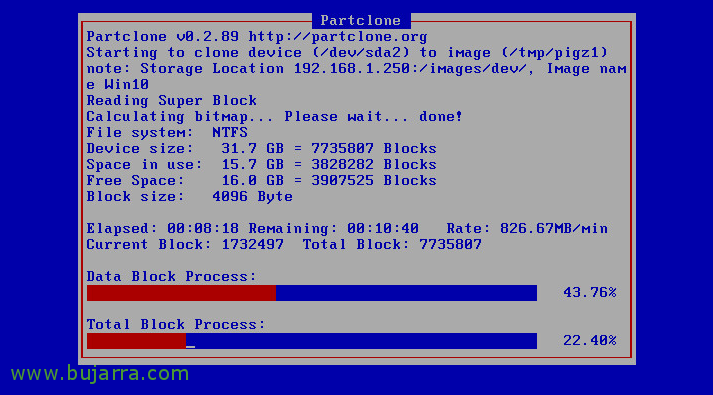
This post is good for all those who have the need to deploy teams on a massive scale, FOG Project is a tool that remotely deploys computer images, Ideal for enterprise-type scenarios, colleges or universities where in less than 10 minutes we can deploy 40 Equipment, 60, 80… In this first post we will look at the installation of FOG!

Nagios – Monitoring Windows Counters

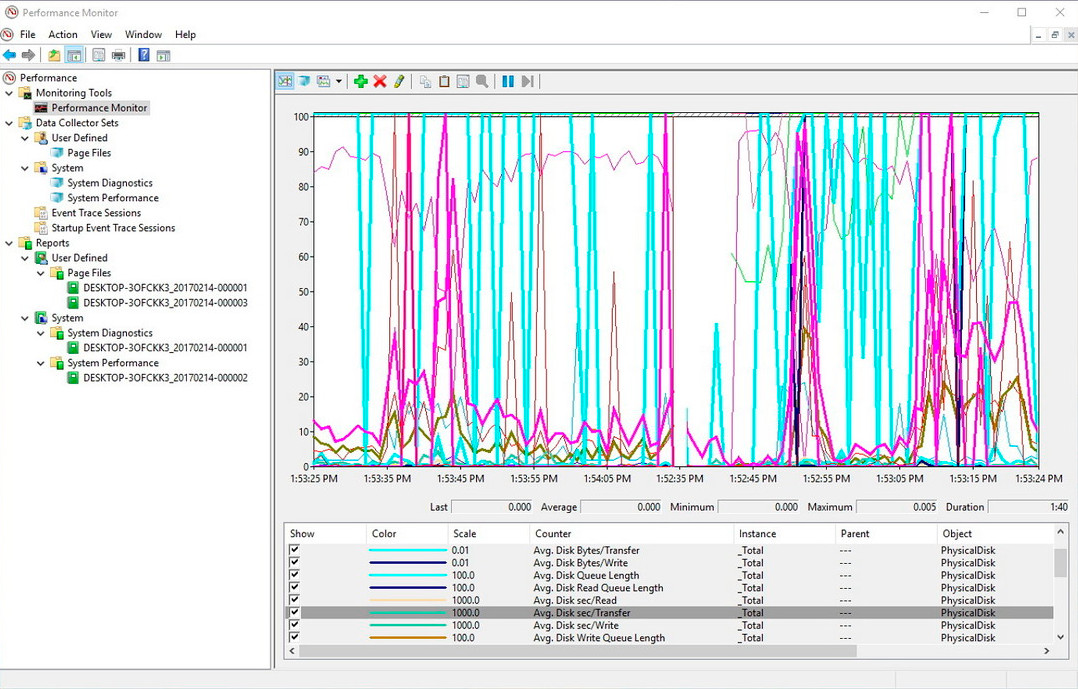
Something super useful is that thanks to Nagios, we will be able to monitor any performance counter of a Windows machine, Yes, any! We just need to know which one! We all know that the Performance Monitor of a Windows is super powerful and we have counters that allow us to analyze any parameter that we surely need. We can take this and centralize it to monitor from Nagios / Centreon.

Nagios – Monitoring active processes on Windows or Linux

Very good! I leave you with a document that will be of help to us as long as we want to verify that we have a program running on any computer in our organization. We will see the necessary steps to be able to monitor if a remote computer, whether Windows or Linux, has any process running, and alert us in case of its fall. In addition, if we are interested, we could monitor its CPU or RAM consumption., all this only through SNMP!

Nagstamon

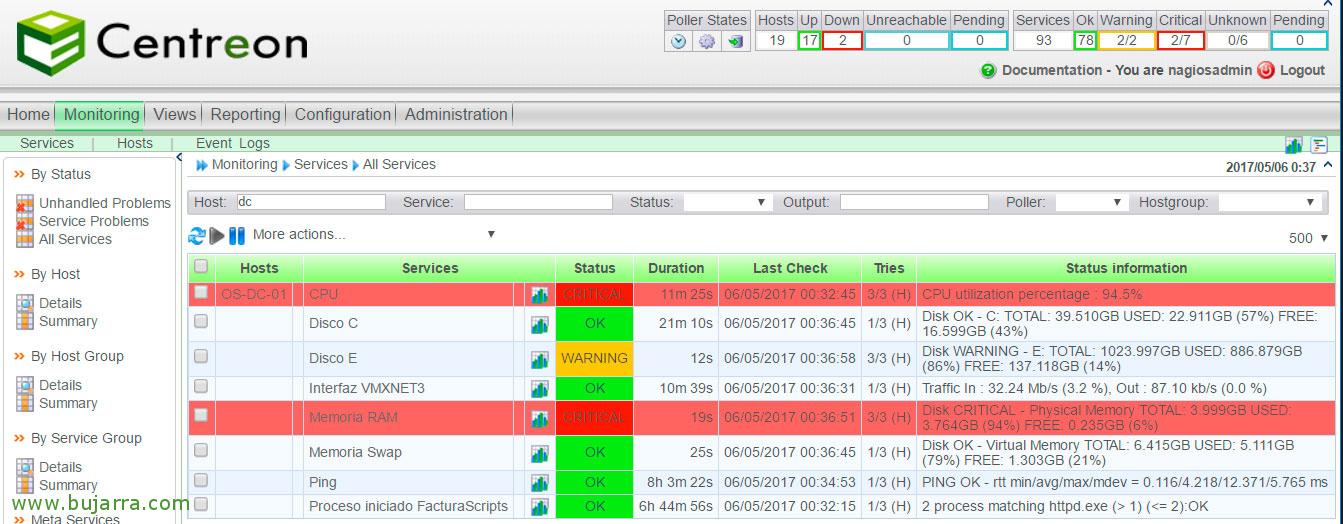
One of the great utilities that we usually have installed to control our environment in real time is Nagstamon, This app installed at our kiosks, it will notify us when any monitoring item generates an alert. Integrates seamlessly into the Windows taskbar or anywhere in the workstation, also on computers with MacOS or Linux! We can use it to bypass email alerts if we are interested!

Nagios – Measuring Disk Load in Windows

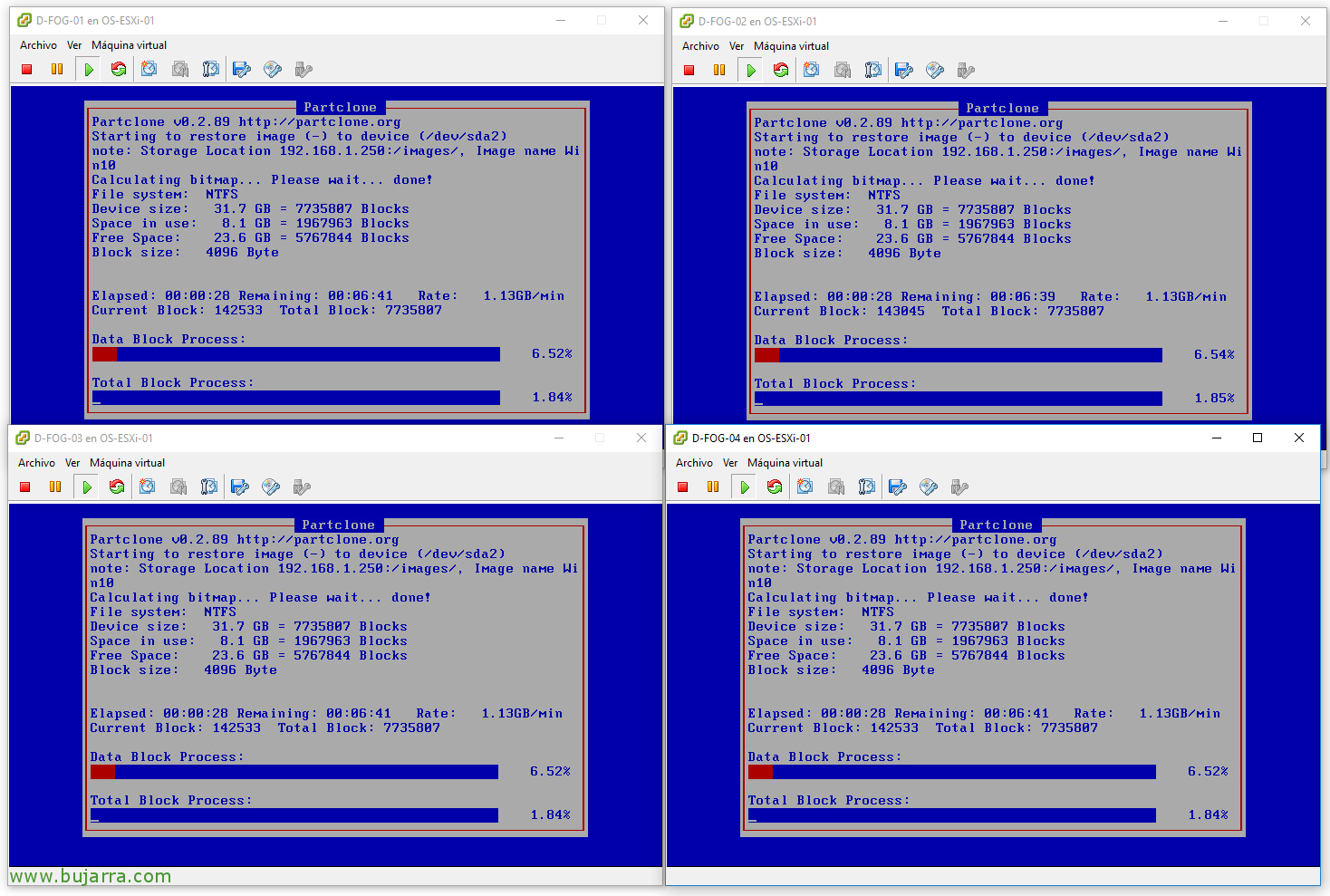
If we are interested in controlling the load on the disks of our Windows servers, we will be able to monitor it simply thanks to a simple PowerShell that we will run through NRPE. We will obtain read and write latencies, Number of reads and writes per second, as well as the read and write ratio in MB/s and also the read queue time & writing!