Installing the first Microsoft Exchange server 2003
This procedure explains how to install it on a Microsoft Windows 2003. The installation of the first server being that of this procedure.

This procedure explains how to install it on a Microsoft Windows 2003. The installation of the first server being that of this procedure.
Este es un procedimiento ‘sencillo’ es para cuando se tiene instalado Microsoft Exchange 2003 en un servidor MS Windows 2003 con función de controlador de dominio. Es un fallo reconocido por Microsoft pero no solucionado (hasta ahora), así que si tenemos eso instalado cada vez que queramos reinciar o apagar el servidor podemos tirarnos fácilmente 30 minutos esperando a que acabe de cerrar todo, para evitar estar ese tiempo, la ‘solución’ es crear un fichero BAT con estas lineas para que pare los servicios y luego ya apagemos o reiniciemos el servidor de forma manual; el problema es que se pega Exchange 2k3 con IIS 6.0. Puedes bajar el BAT de AKI y hacerlo tu a mano con estas lineas como mínimo:
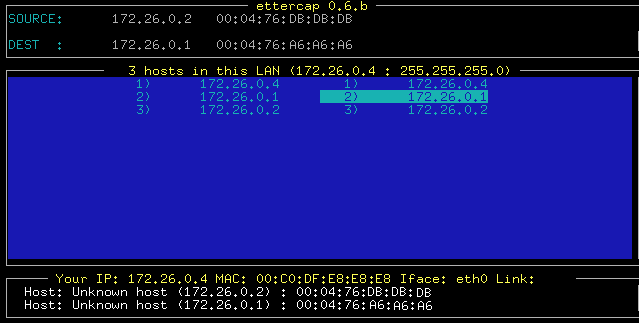
Sniffing techniques are becoming more popular every day, Arp-Spoof, dns-spoof, man in the middle, etc, But there are many who believe that they are reserved for the gurus of the network, and until recently it was like that, but in this as in everything, over time, The Internet has made it possible to rapidly develop tools that make what was previously very complex, Now it's a child's thing (I'm not sure if that's good or bad).
In this article, we'll look at how to mount an ESX on a VMWare VM, It's something unthinkable, since an ESX is intended to be a physical server that hosts virtual machines. We'll just see how to do it, we can use it for testing and for those who do not know what an ESX is like.
Microsoft Exchange Command-Line Tool, to perform maintenance on Exchange databases and LOG files. To access it through it, it is done through the MSDOS console and in the PATH: “C:Program FilesExchsrvrBIN”. It must be done in databases that are not in use, and they don't have to belong to the same server.
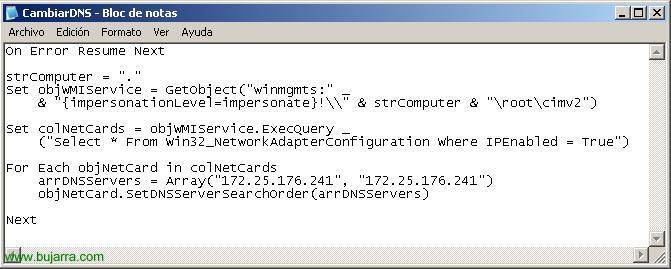
This is useful when we are performing a server migration, in the event that we are going to change the IP address DNS servers or the server DNS server, we must change its DNS servers in all positions. The posts may be configured with a dynamic IP address so the change is very simple and we will change it only on the DHCP server. But.. What happens if our posts have a fixed IP address? That we should change the 'Preferred DNS Server'’ and the 'Alternate DNS Server'’ or manually or with the help of a simple script that we can put in the login of the posts through a GPO.
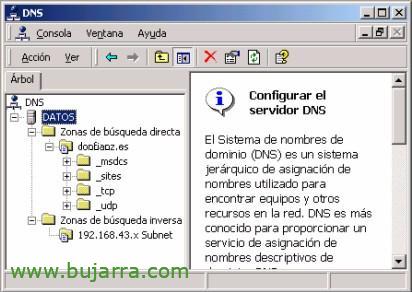
DNS is the service that offers us computer/domain name resolution. Below we will look at the installation and configuration process for Windows 2000 o Windows 2003.
From this document, We will see the tremendous availability that this product allows us, we will be able to log in to any PC/Server using a simple pen drive, USB or MP3 drive, since we can use it as a USB Token, o Smart Card to validate us against a team. Simply, the credentials are saved on a USB device and we can use them when we need them, whether to turn on a PC, to start a Terminal Server session or a VPN…
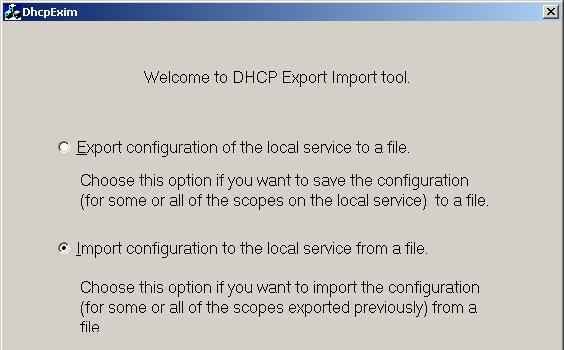
This procedure explains how to move the DB from our DHCP to another server, It doesn't matter the S.O. of origin, how if we migrate from NT4 to NT4, NT4 to 2003, a 2000, of 2003 to 2003… The first thing we will need is the DHCPexim, The tool that migrates, download from AKI. And we start installing it on the server from which we want to migrate the DHCP service, then once exported to a text file we will install the DHCPexim on the destination server to import that file, More details:
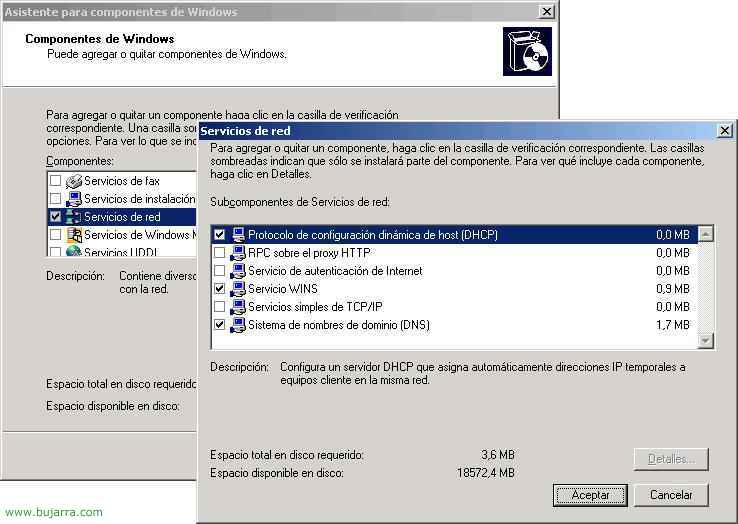
When we set up a net, Or when we migrate one and it has a fixed address, we remember how good it would be to have a DHCP server set up and forget about the issue of going post by post modifying any network data. DHCP is used to save a network administrator work, IPs are configured from the server, a range of IP addresses to be assigned to the positions is established and that's it, We can also include, all the data that interests us apart from the IP, such as, What is the gateway, DNS, WINS and many more. We can assign the duration of the IPs in the clients, by default are 8 days. We can reserve IPs by MAC addresses. And see the list of assigned IP addresses.
Do Tailor-made training
Windows Server – VMware vSphere – Citrix Virtual Apps & Desktops – Centreon


|
|
¡Let's work together!
|
 |
We are a consulting firm that cares and pampers
|
 |
|
With quality and added value
|
 |