Hypervisor comparison – VMUG Galicia

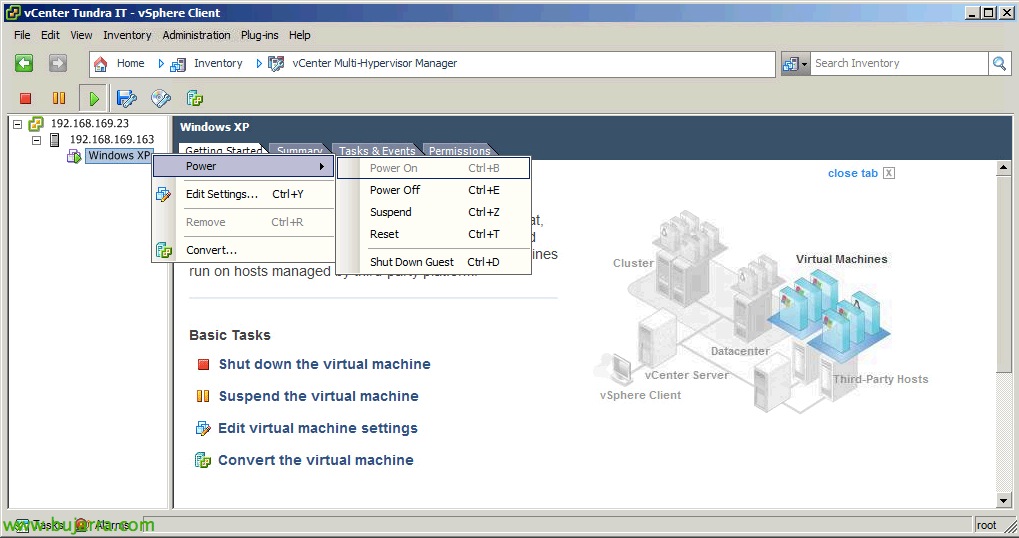
Good morning everyone! today we will give a talk for the community of VMware Galicia users in Santiago de Compostela; where we will compare different hypervisors and see a little about their differences or their evolutions. I wanted to share the presentation with you all, I leave you a PDF link to read and another with the presentation as such (for Windows or Mac). By the way, I share the presentation with the crack Miguel Angel Alonso of JMG!!!

Aligning Our Partitions

In this document we will see something old but that we have never talked about and we still find it misconfigured in clients when it comes to auditing the systems; when you have a virtual server that requires high performance at the disk level, we must check that the partitions are correctly aligned!

Using a Raspberry Pi as a Corporate Thin Client

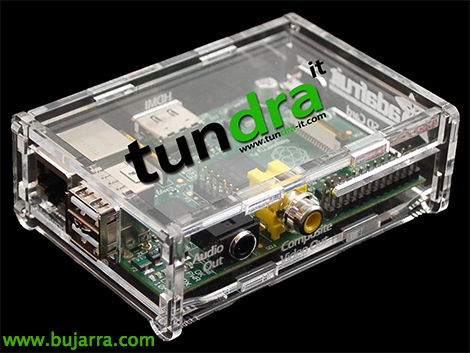
Continuing a previous document on Rasberry Pi, I wanted to set up something simple but that would serve to show clients how easy and cheap it can be to have a corporate thin client in our company, A device that costs 25 US$ and consumes 5V. We will install the Citrix client so that when it boots it loads automatically and after validation any user can instantly access their applications from anywhere!

Fortigate VM

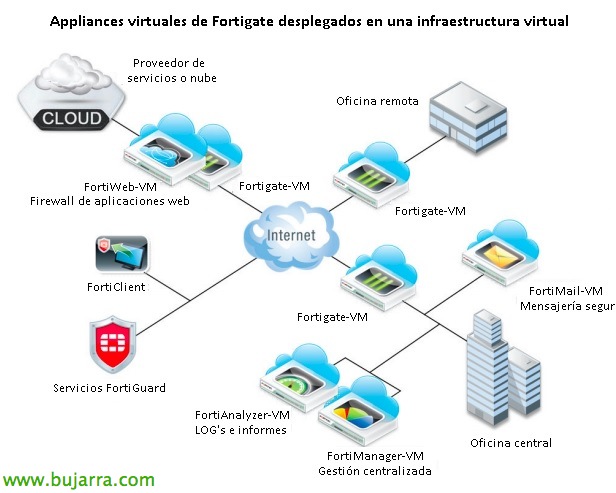
For all those who don't know him here's this post, Introducing the Fortinet Virtual Appliance, the Fortigate-VM firewall, in virtual machine format will provide us with all the advantages of having the Fortigate firewall virtualized in our network (high availability, Cross-network FW, Backup/Replica…) Of course,, only for VMware vSphere environments!

VMware WSX

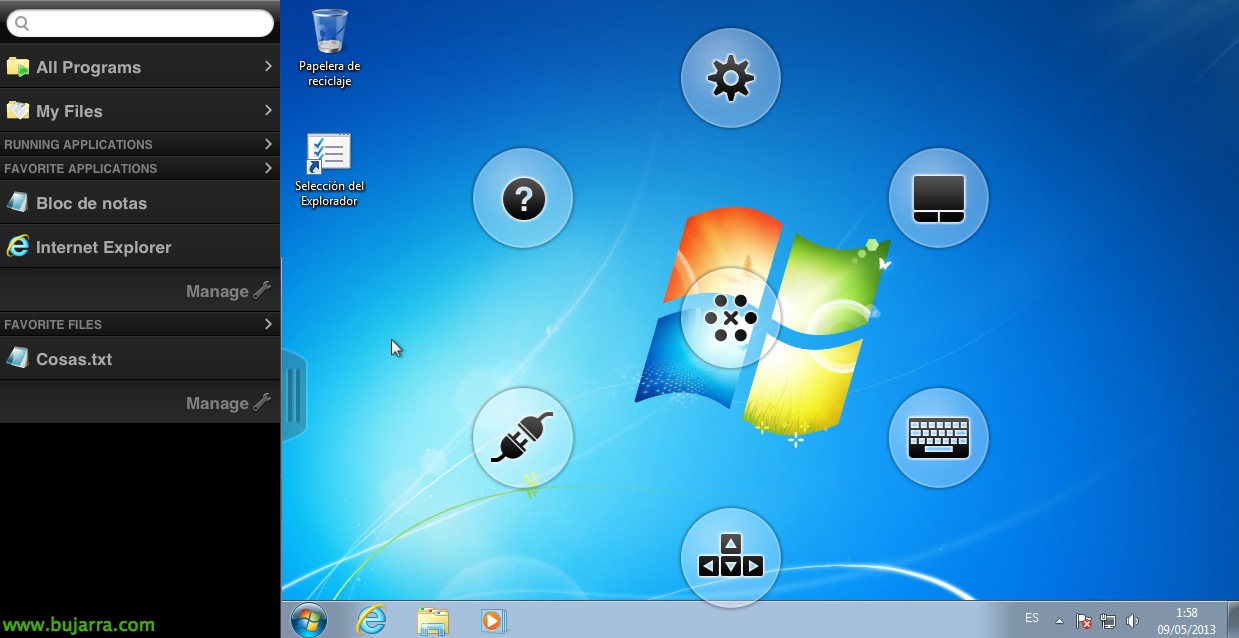
A tool that can help us simplify our connectivity to our virtual infrastructure is VMware WSX, This small web server, it will allow us to connect from any device with an HTML5-compatible browser to our virtual machines, either to manage it or to VDI desktops in the case of our end users.

Installing and Configuring VMware vCenter Operations Manager

This document will try to show the deployment of a tool that may be little used yet but with a very good potential and certainly a very useful tool to complete our vSphere infrastructure. This is vCenter Operations Manager which will allow us to configure it to see the life status of our virtualization services, as well as being able to locate trends of failure or decrease in available resources based on the growth detected.

VMware vSphere Health Check Report

These weeks I had to perform several tasks on a vSphere 4.x infrastructure, One of them was to document and export all its configuration, for this I used VMware vSphere Health Check Report 5.0.2, What is amazing when it comes to making this type of inventories couples therapy los angeles ! Nothing, I publish the two steps that must be done to get a complete report as well as a quick example!