Installing and Configuring VMware View 4.6 Connection Server Standard

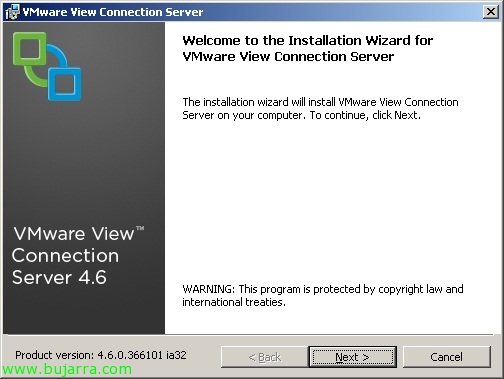
In this post we will look at the installation of the first server in a VMware View environment 4.6, will be our first connection broker or VMware View Connection Server (Standard), this will be the one that authenticates users through Active Directory and redirects client requests to the appropriate desktop. In case we need a balance of connections we can add a VMware View Connection Server (Replica) or as many as we need, the configuration of these is stored embedded in the LDAP directory and replicated between the servers.

What's New in VMware View 4.6

The past 24 de febrero VMware lanzó la esperada versión 4.6 de VMware View que trae una serie de mejoras, problemas arreglados (relacionados con el teclado, corregidos más de 160 bugs…), soporte para el SP1 de Windows 7/2008 R2. VMware View 4.6 se puede montar a partir de VMware Infrastructure 3 version 3.5 Update 5 (or higher) y VirtualCenter Server 2.5 Update 6 o en vSphere 4.0 Update 2 o en vSphere 4.1. Estas son las principales novedades que trae VMware View 4.6: – Soporta uso de smart cards que usen PKCS#11 o con Microsoft CryptoAPI. – Soporte de PCoIP en los VMware View Security servers (sólo bajo Windows 2008 R2) mediante PCoIP Secure Gateway podremos conectarnos ya sin necesidad de VPN’s a nuestra infraestructura virtual desde el exterior. – Redirección de USB’s soportada!

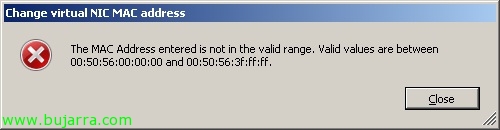
Forcing a MAC address on a VMware VM

Sometimes we have the need to change the MAC address in a virtual machine, usually when we want to keep the MAC that we had on a physical computer or for reasons of applications that control it (license servers..). In this document we will see how to force a MAC address on a VM since VMware will allow us only the next range: 00:50:56:00:00:00 – 00:50:56:3F:FF:FF.

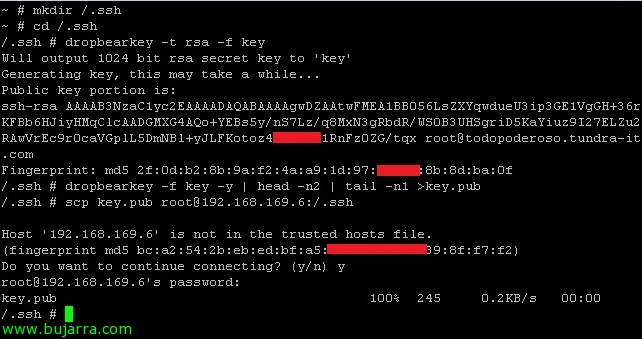
Using VMware vMA

In this document, we'll look at the VMware virtual appliance called VMware Management Assistance (VMware vMA), is based on a CentOS distribution 5.2 with vCLI, CIM, Java JRE, vSphere SDK for Perl and vSphere SDK for Java, is a script-based management appliance for our virtual environment.. VMware vMA is a great utility to replace the Service Console and be able to manage our ESXi or vCenter hosts more easily and centrally through scripts/tasks, We can configure it as a log server, Backup, ESX distribution via PXE…

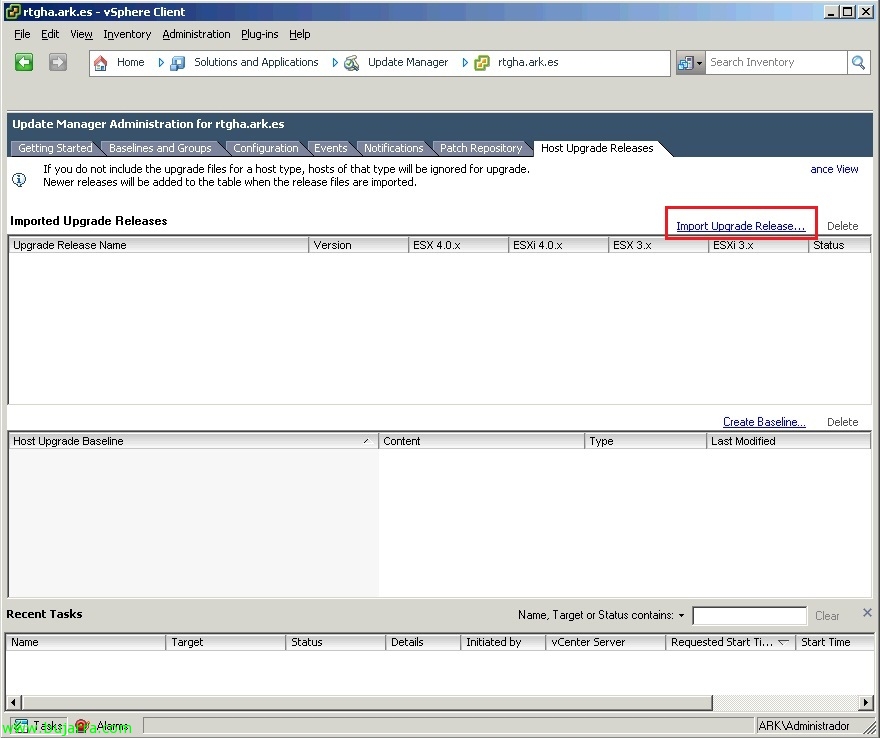
Enabling Jumbo frames in VMware environments

An essential feature that we should always leave configured when working with gigabit networks is to modify the MTU value (Maximum Transfer Unit – Maximum Transfer Unit) What is the size (in bytes) of the largest data unit you can send with IP, by default, LAN networks use an MTU of 1500 bytes. On VMware and all devices that make up the gigabit ethernet network (typically the iSCSI storage network) its value must be raised to 9000 bytes, We should enable it in the storage cabin, on the switch (Some switches have it enabled by default), on VMware ESX hosts / VMware ESXi (vSwitch & Port Group) and at the NIC level on equipment that is directly connected. All this in order to take advantage of the gigabit network and be able to send larger packets.